

Apparent size is different from carat weight
A halo, a fine bezel or a narrow band can change how large a diamond ring looks, but none changes the center diamond's carat weight. Some settings add a wider outline around the stone; others make the center stand out against less metal. The effect depends on the diamond's shape, its dimensions and the proportions of the finished ring.
If you are comparing engagement rings, separate center-stone size from the overall spread of the setting. A ring advertised with a total carat weight can include many small accent diamonds. Ask for the center diamond's weight and millimeter measurements as well as the ring's full width.
These ten setting designs offer different ways to create presence. They are options to compare on the hand, not a promise that a particular stone will look a fixed percentage larger.
1–3. Settings that add a larger outline
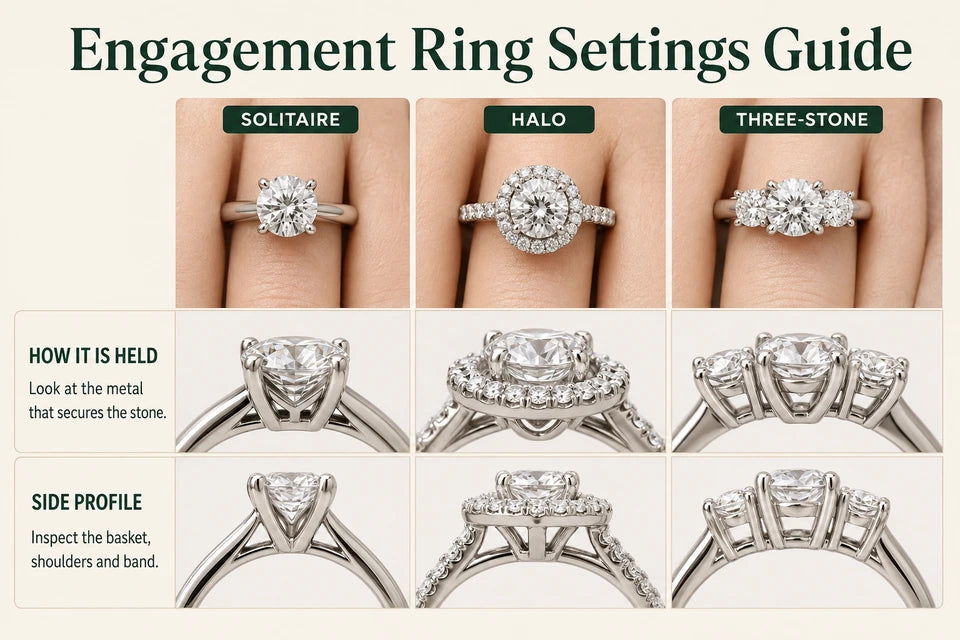
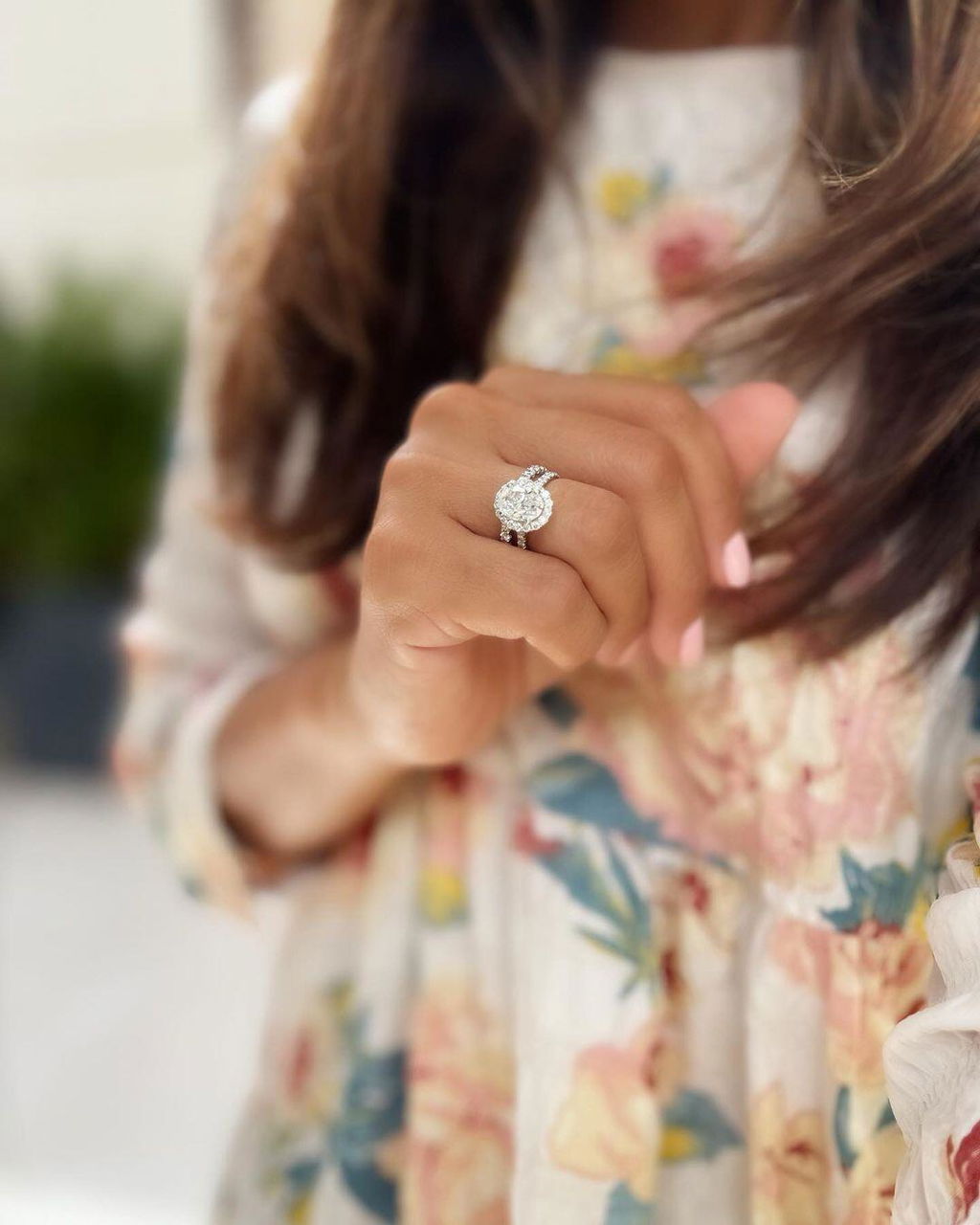
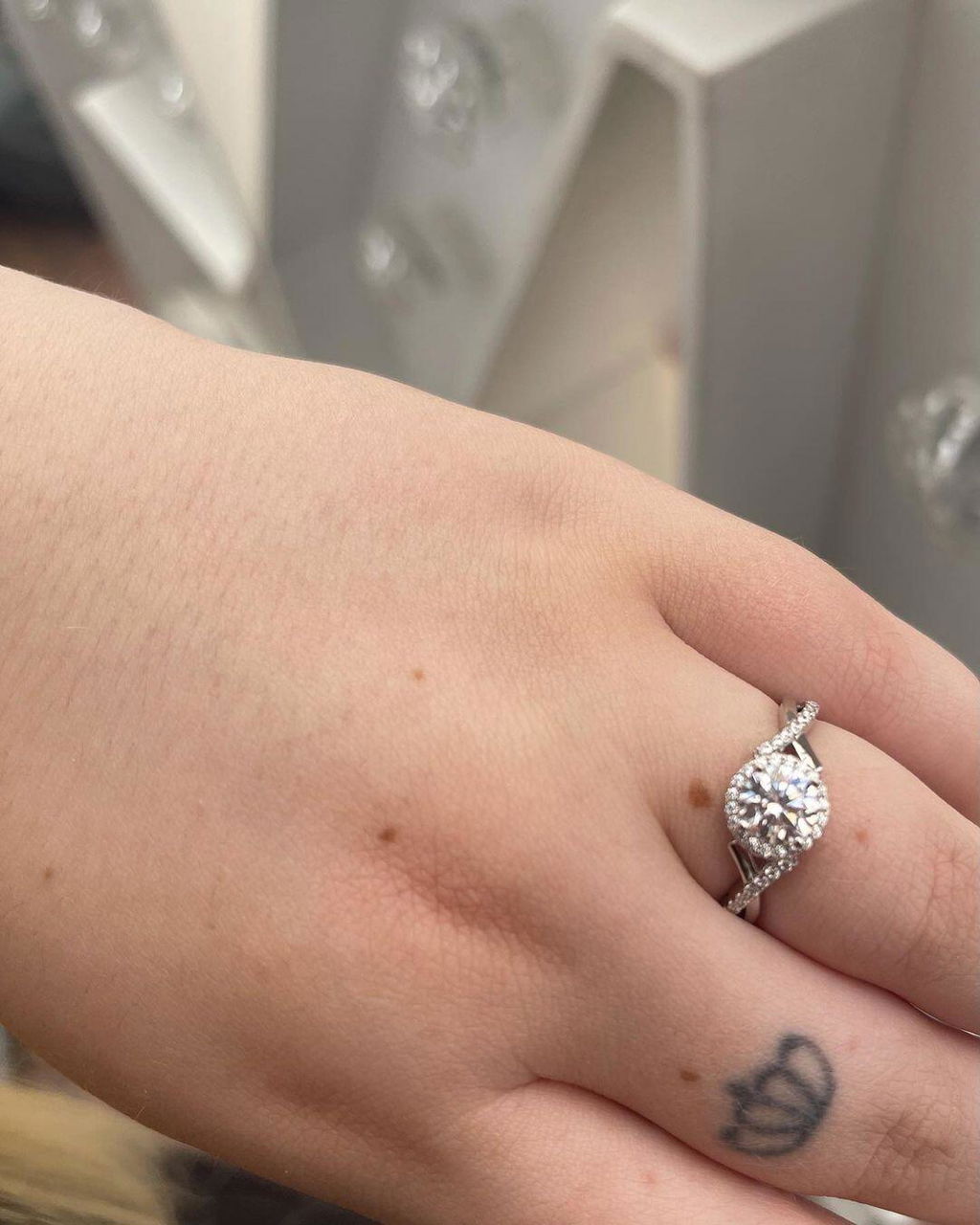
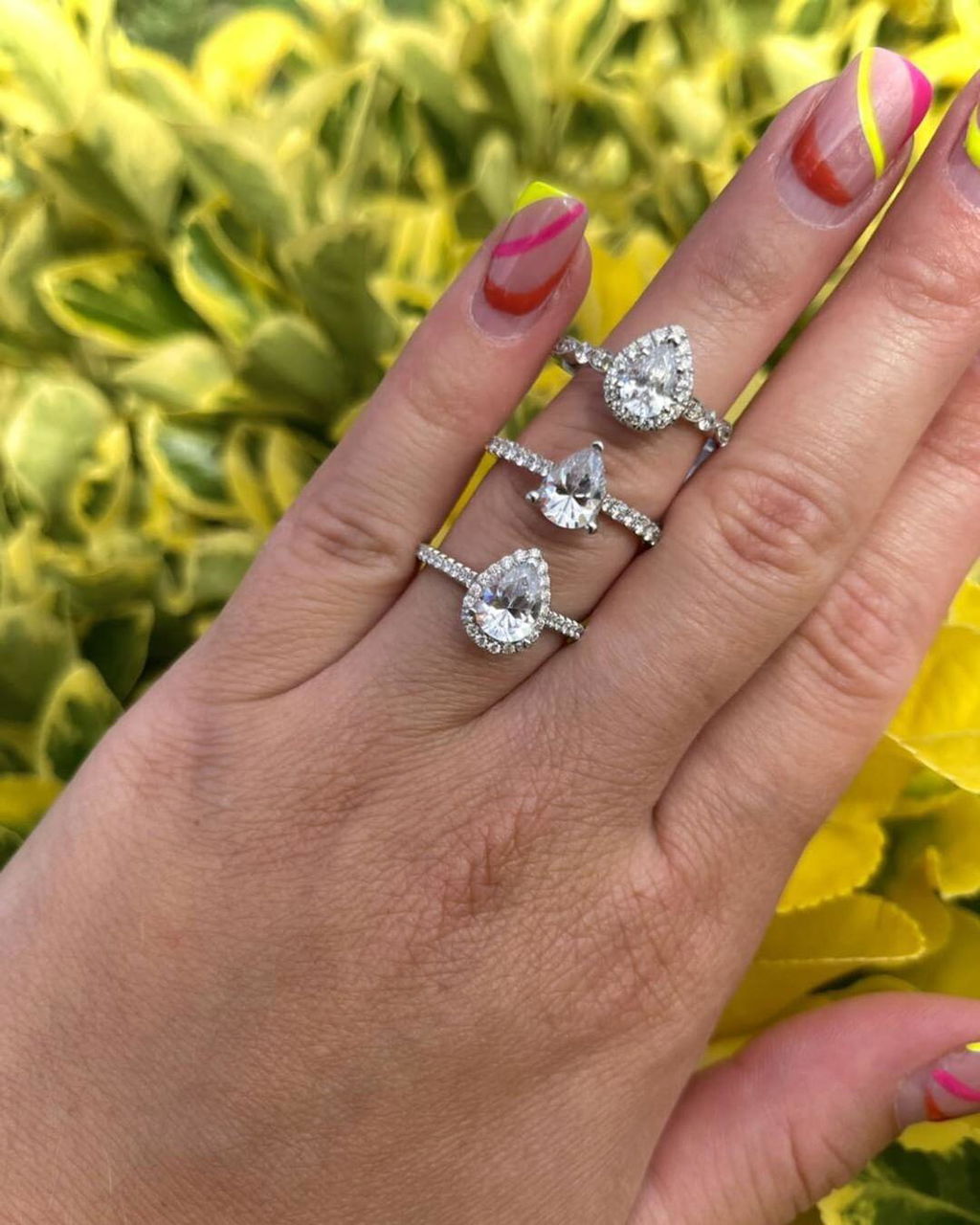
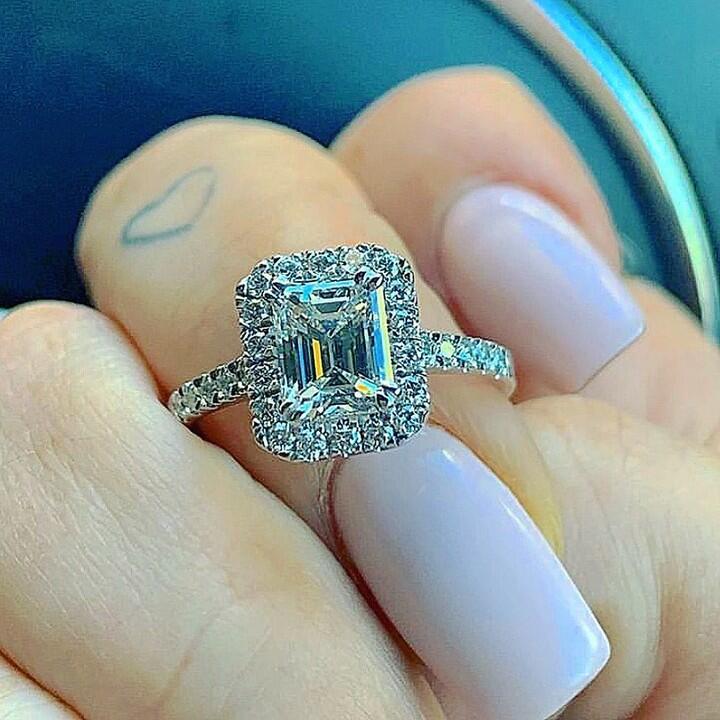
1. Halo setting
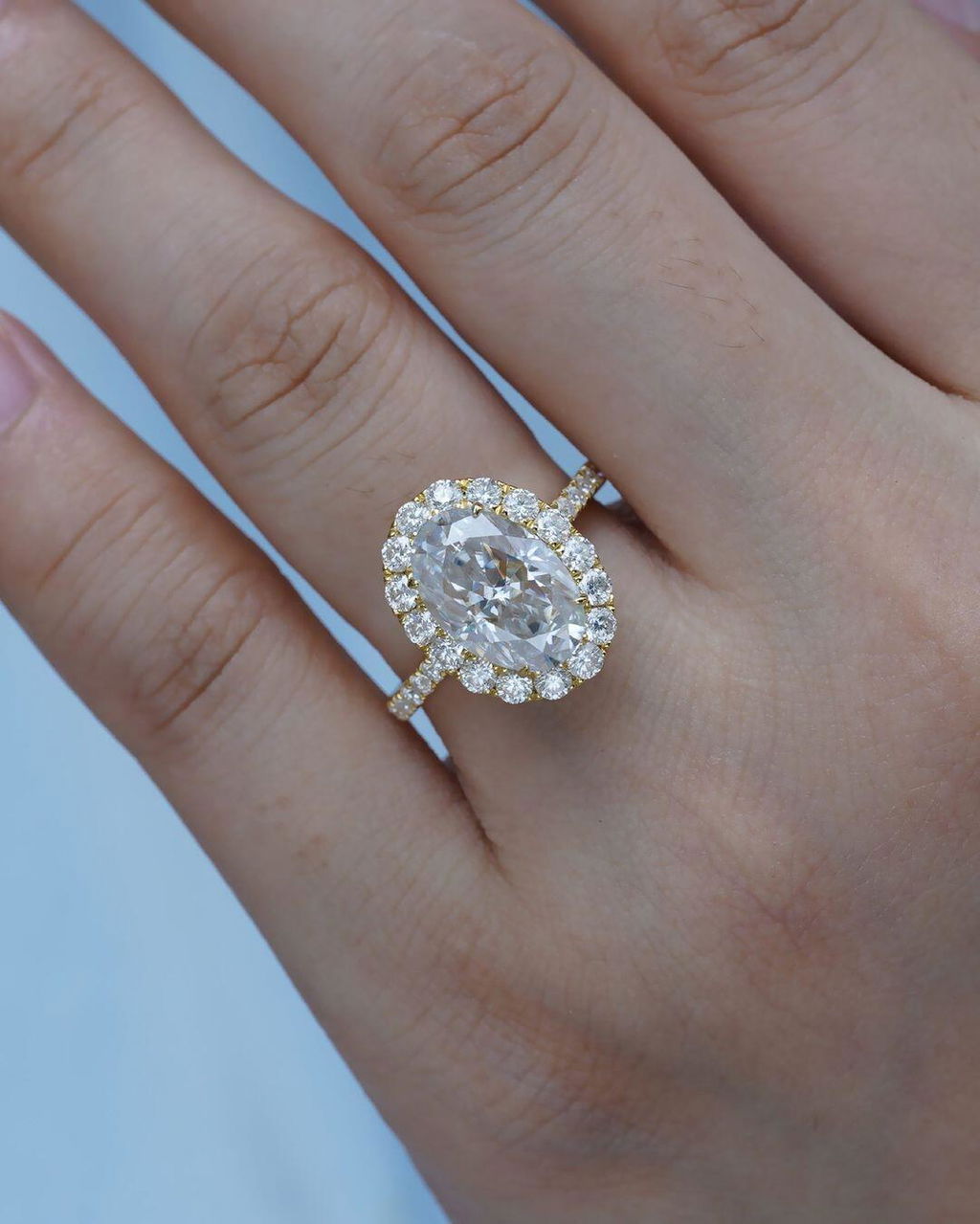
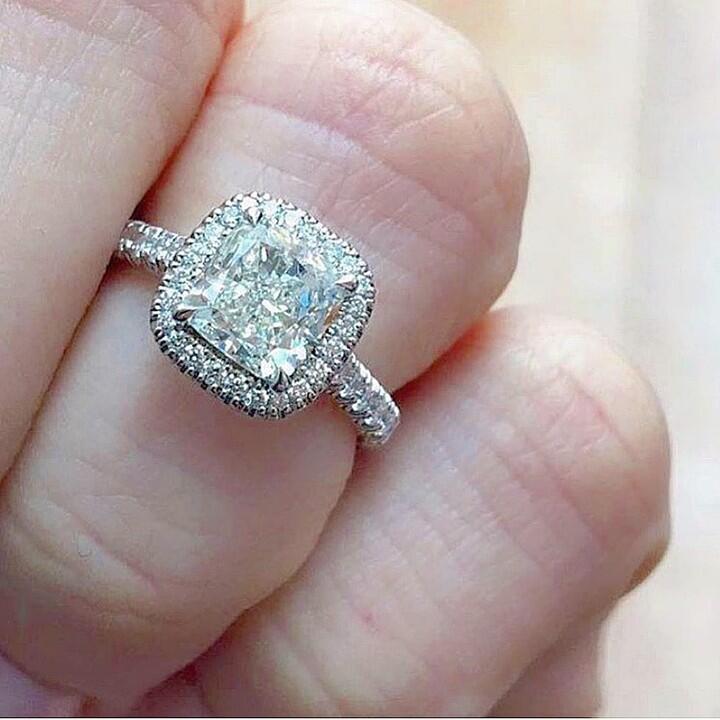
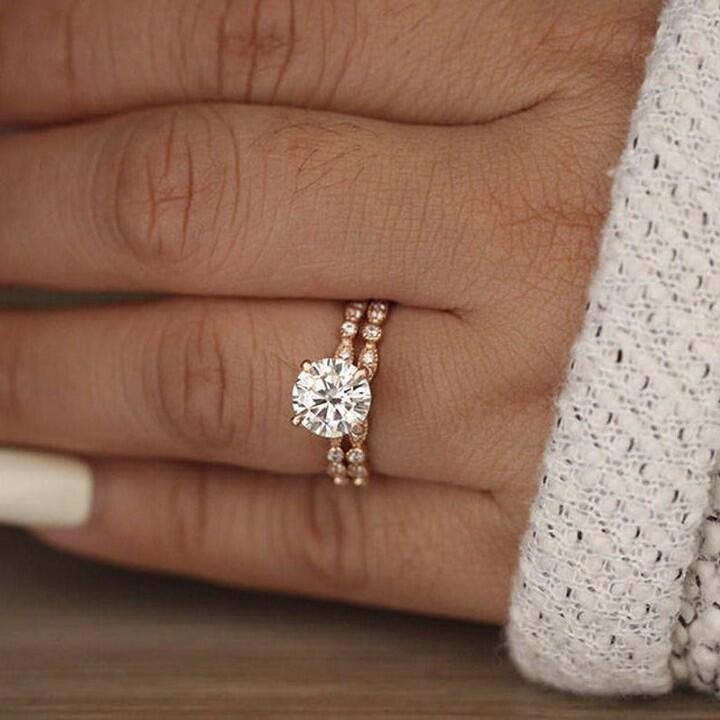
A border of small diamonds extends the outline around the center. A closely fitted halo can read as a continuous sparkling surface from a distance. Up close, it remains a center diamond surrounded by separate stones. Compare the gap between the center and halo, and ask how the accent stones are secured.
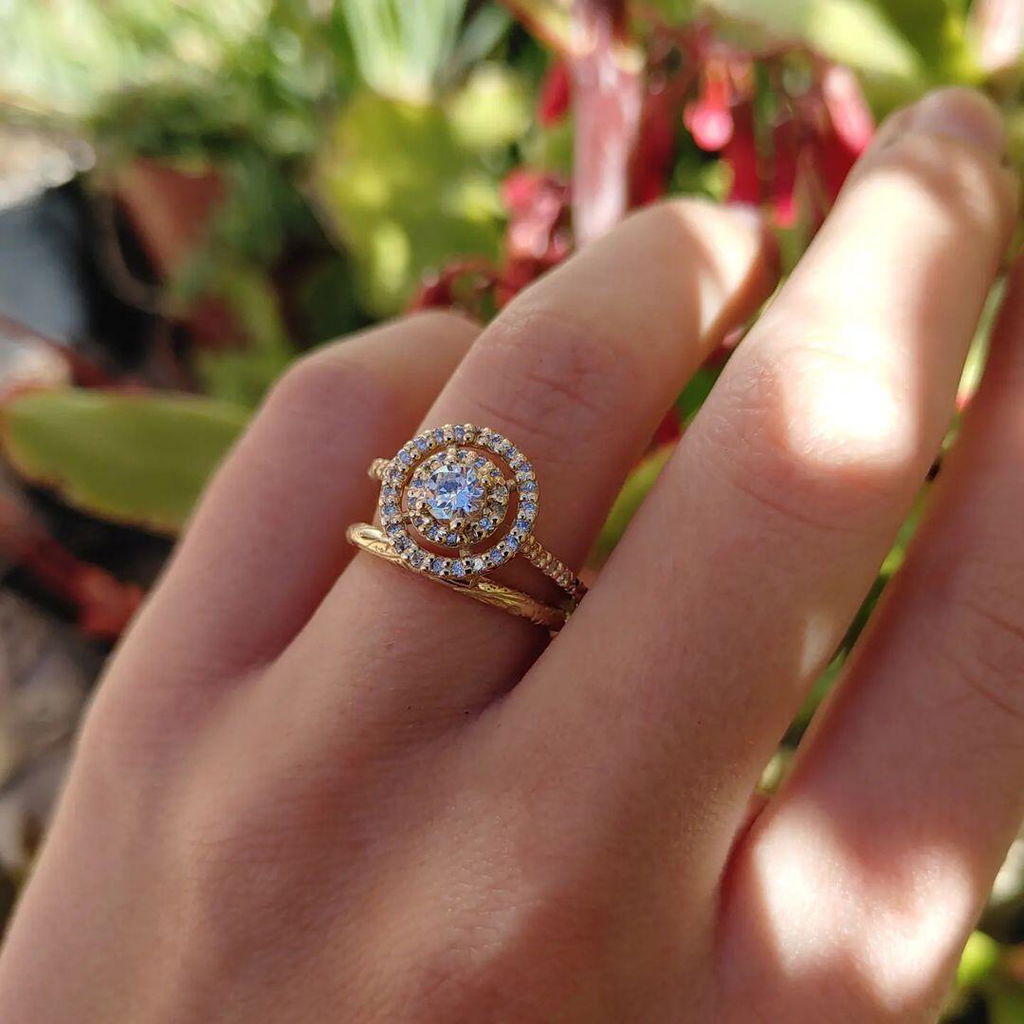
2. Double-halo setting
Two rows of surrounding stones give the whole setting more spread. This is useful when you want a substantial ring rather than the look of a single larger solitaire. The extra width can change how the ring fits between adjacent fingers, and more small settings mean more areas to keep clean and inspect.
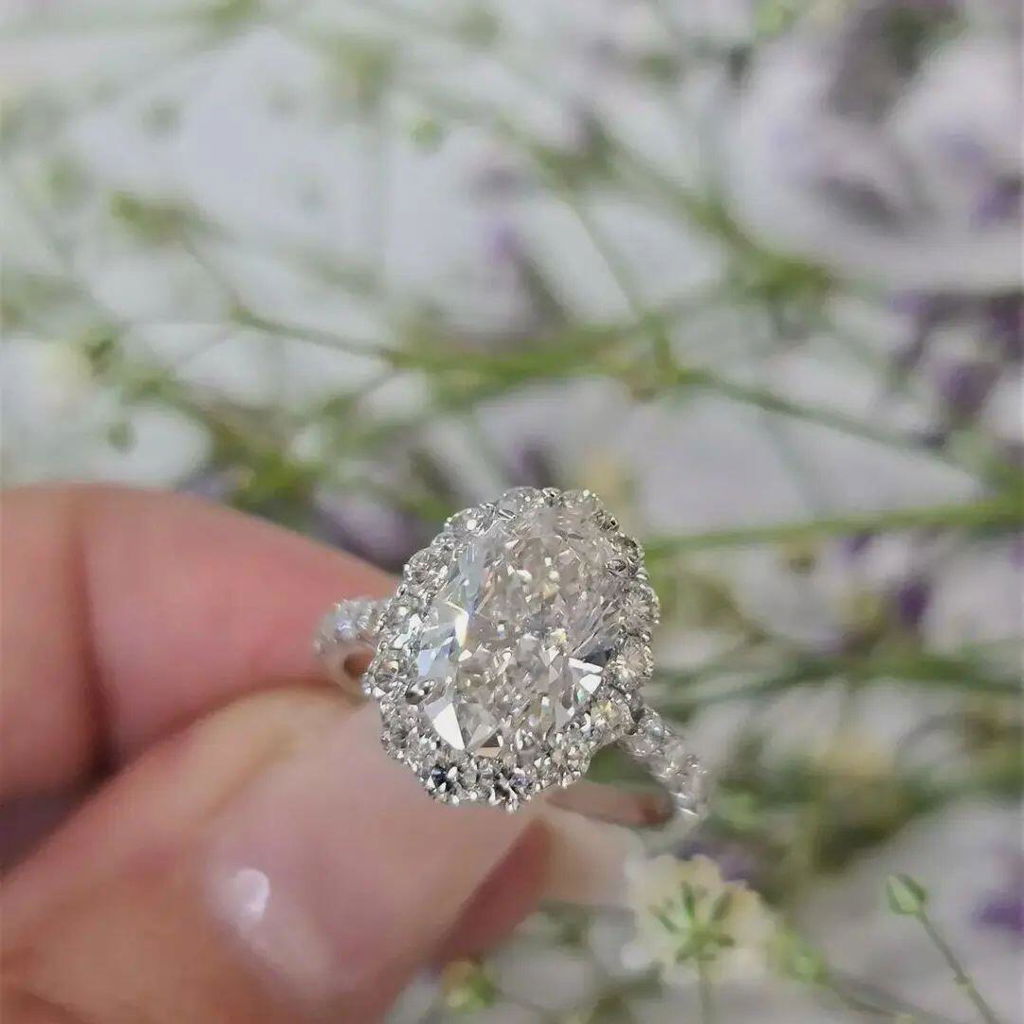
3. Cluster setting
A group of smaller diamonds can form a broad round, oval or floral outline. This creates overall sparkle and coverage, not the uninterrupted appearance of one large diamond. Check the layout in close-up photographs so you understand where the individual stones begin and end.
4–5. Designs that frame the center
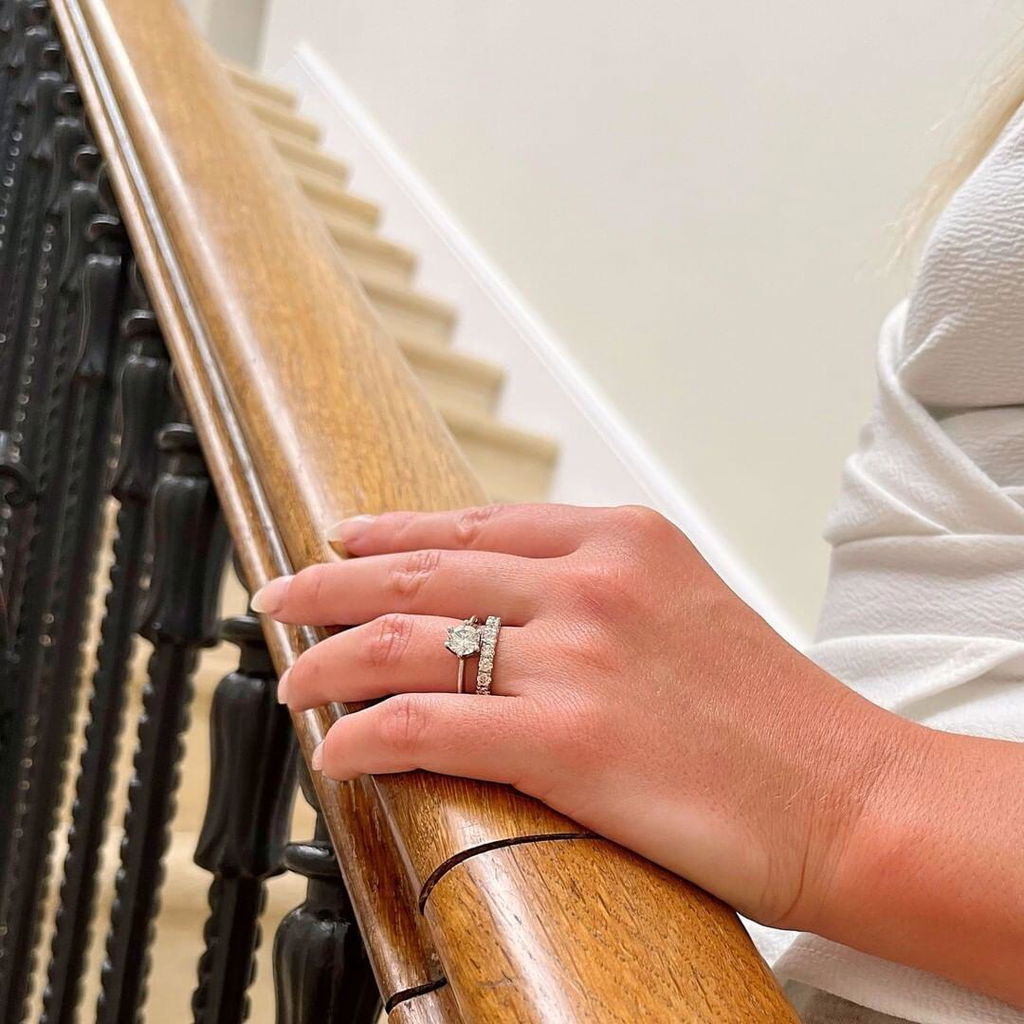
4. Three-stone setting with smaller side stones
Two supporting stones add width across the finger while keeping the largest stone in the middle. Smaller, well-proportioned side stones can draw attention to the center; side stones of similar size may instead make the ring read as a balanced three-stone composition. Compare the center alone and the entire arrangement.
5. Illusion setting
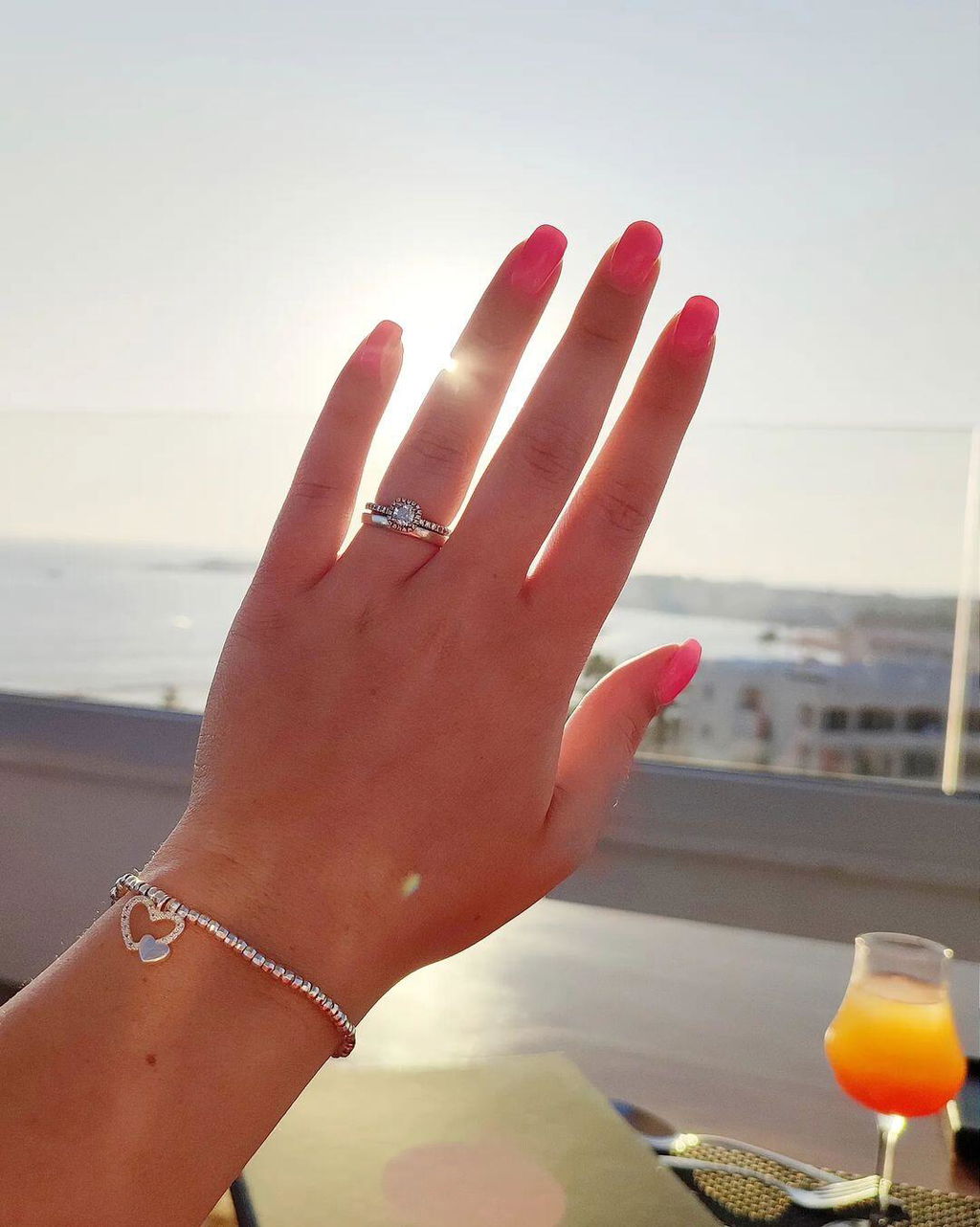
Polished or patterned metal around a small diamond can visually extend its outline. The effect depends on lighting and viewing distance, and the metal will look different from diamond facets in a close view. Request clear photographs rather than judging only by a bright studio image.
6–8. Band proportions that emphasize the diamond
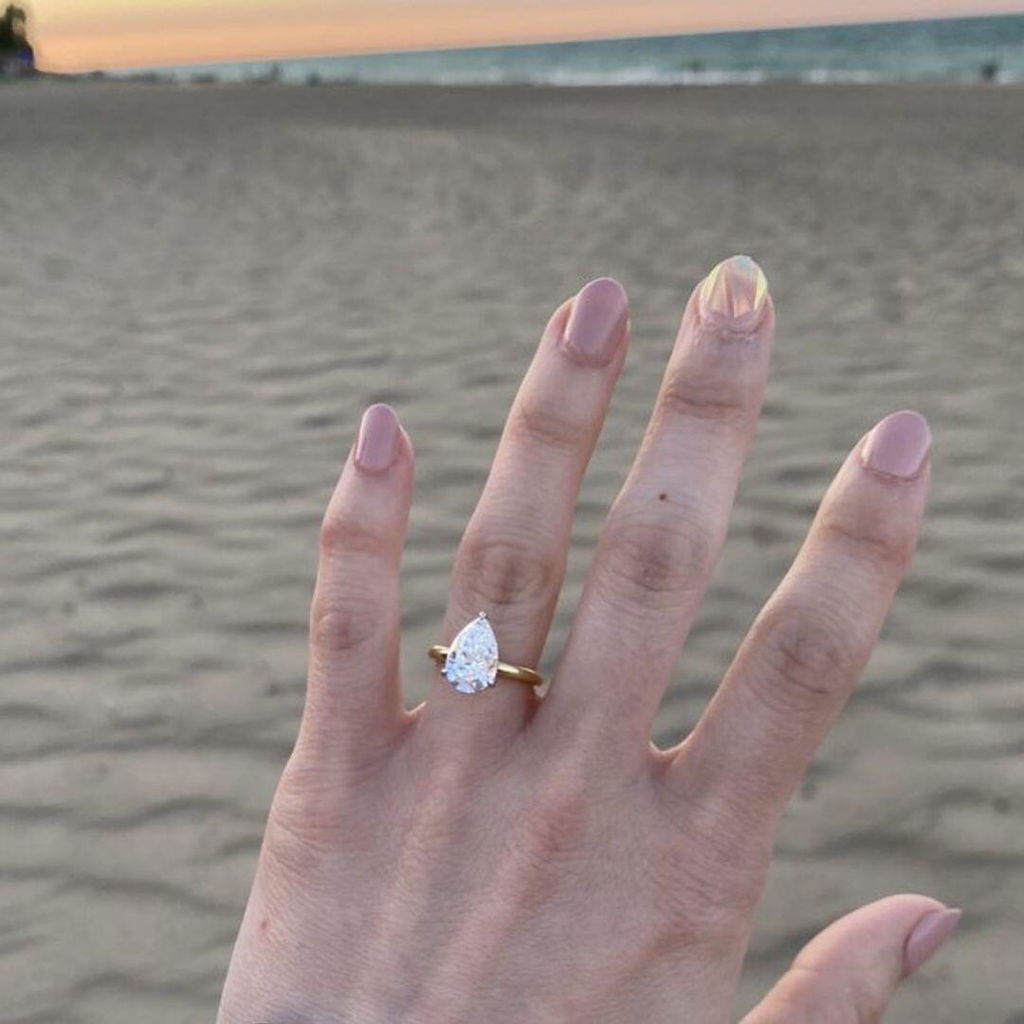
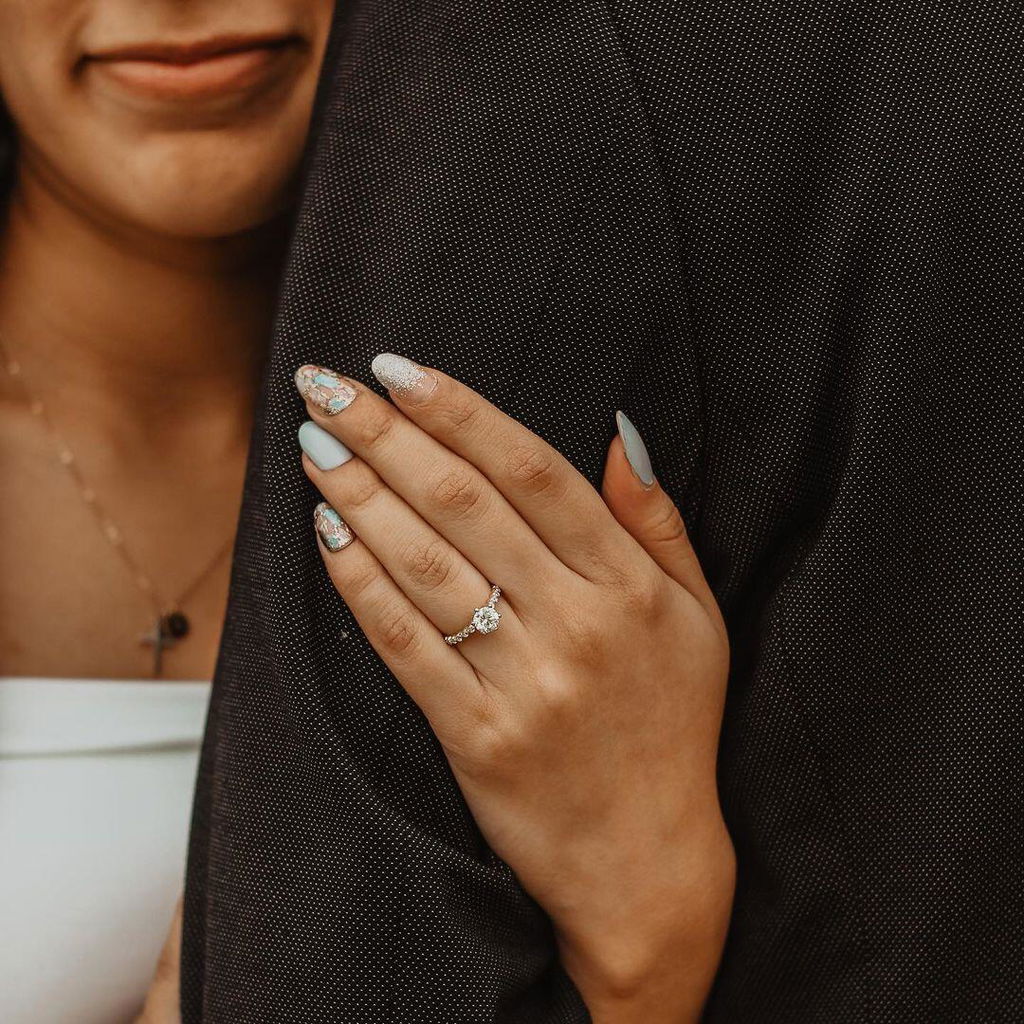
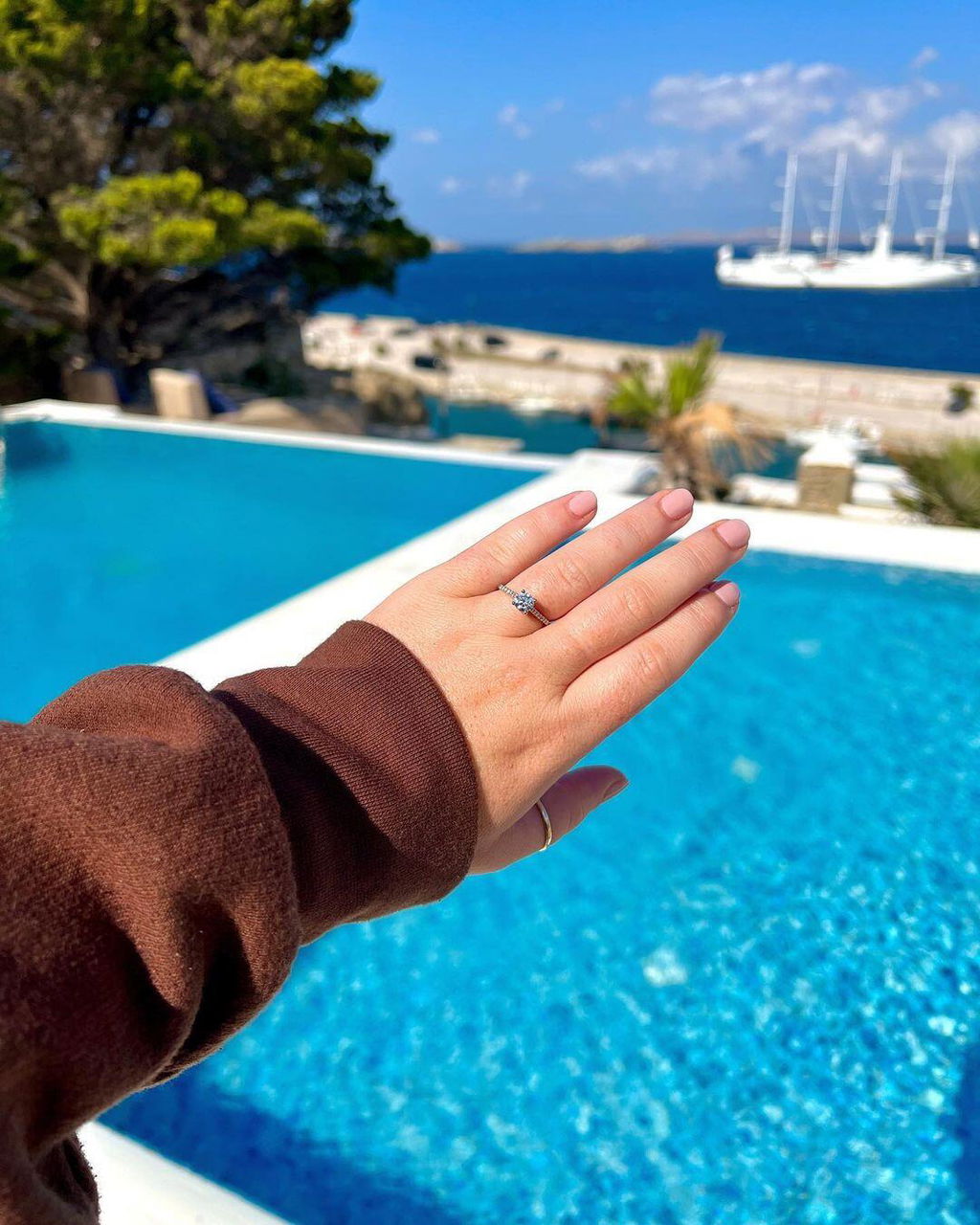
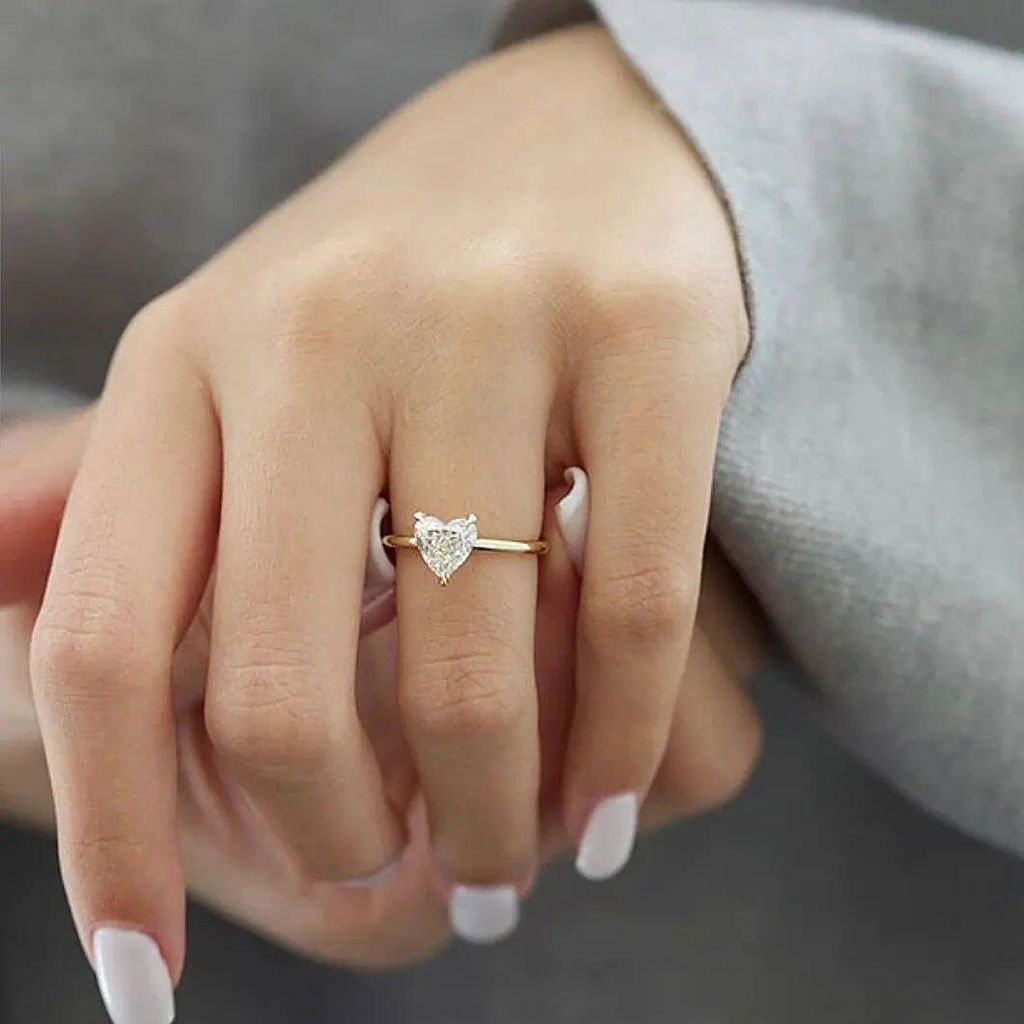
6. Slim-shank solitaire
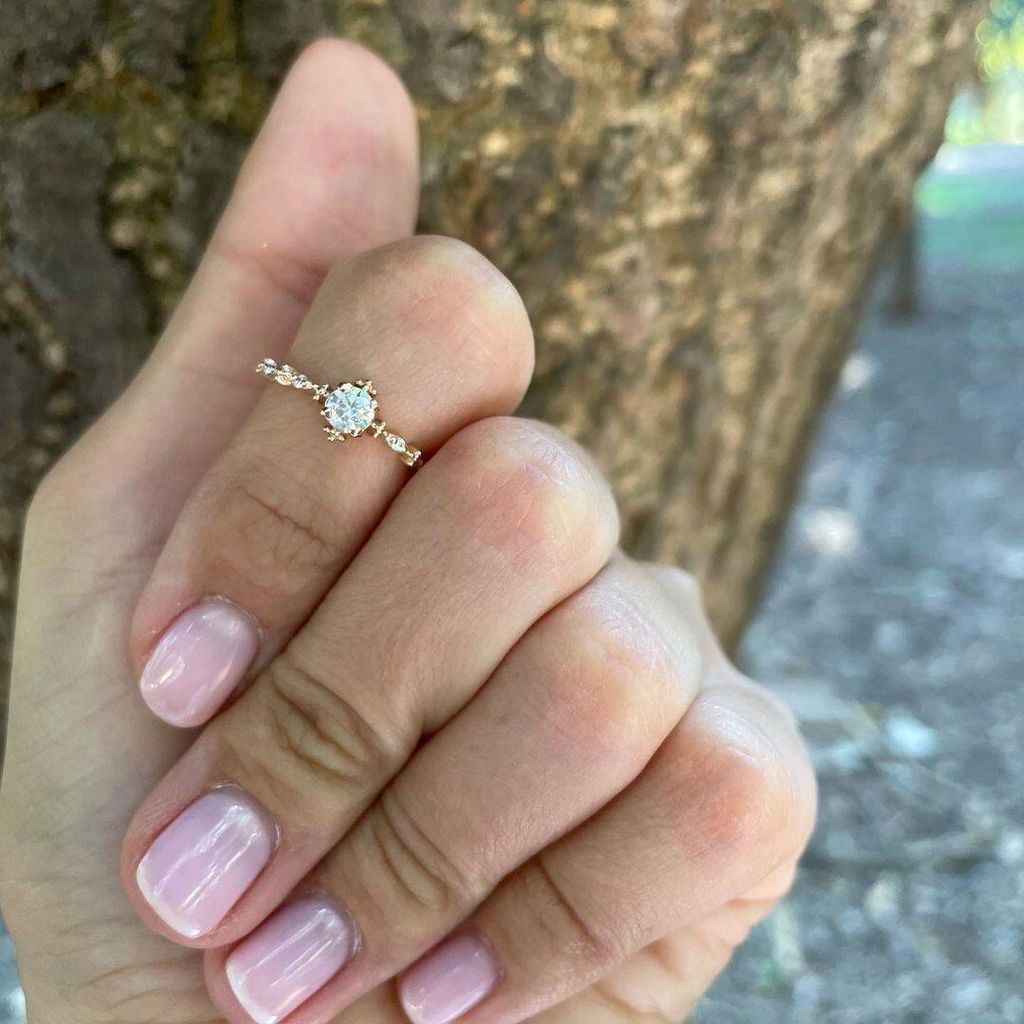
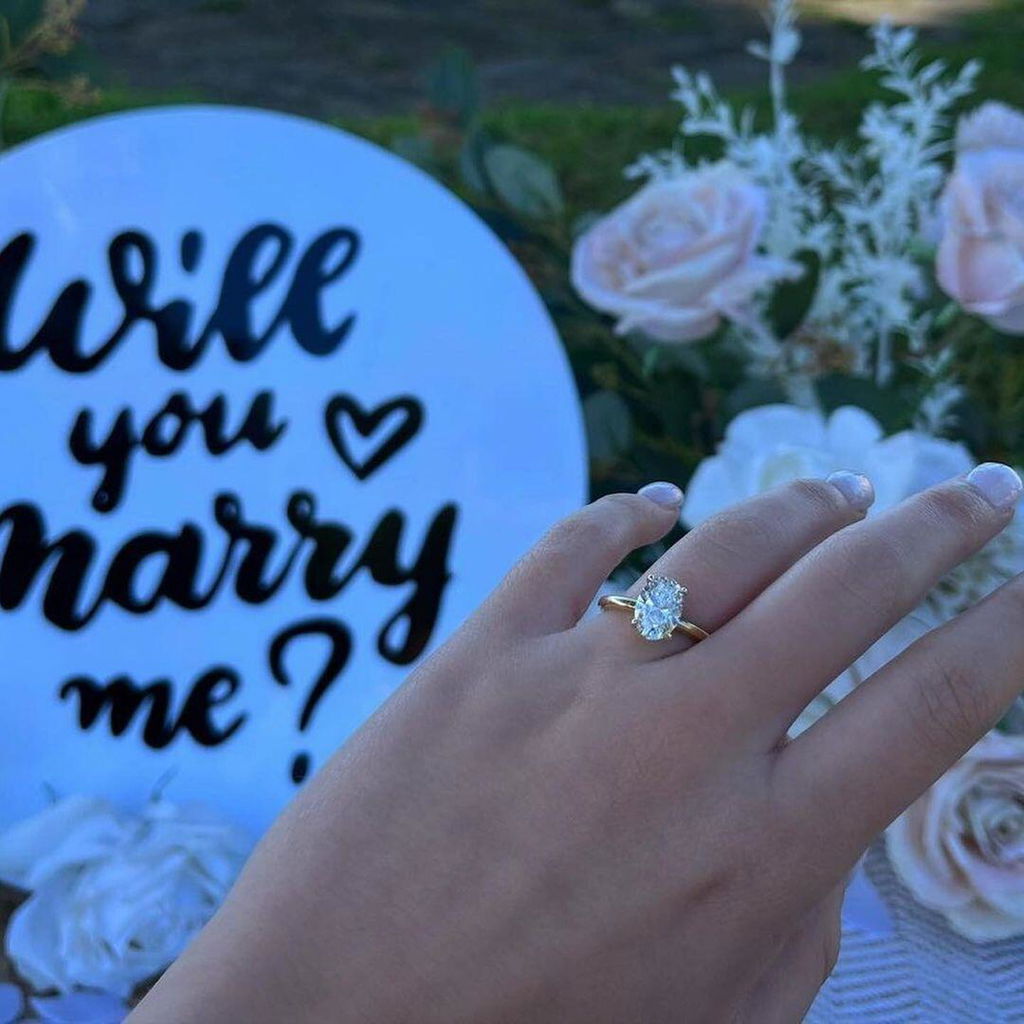
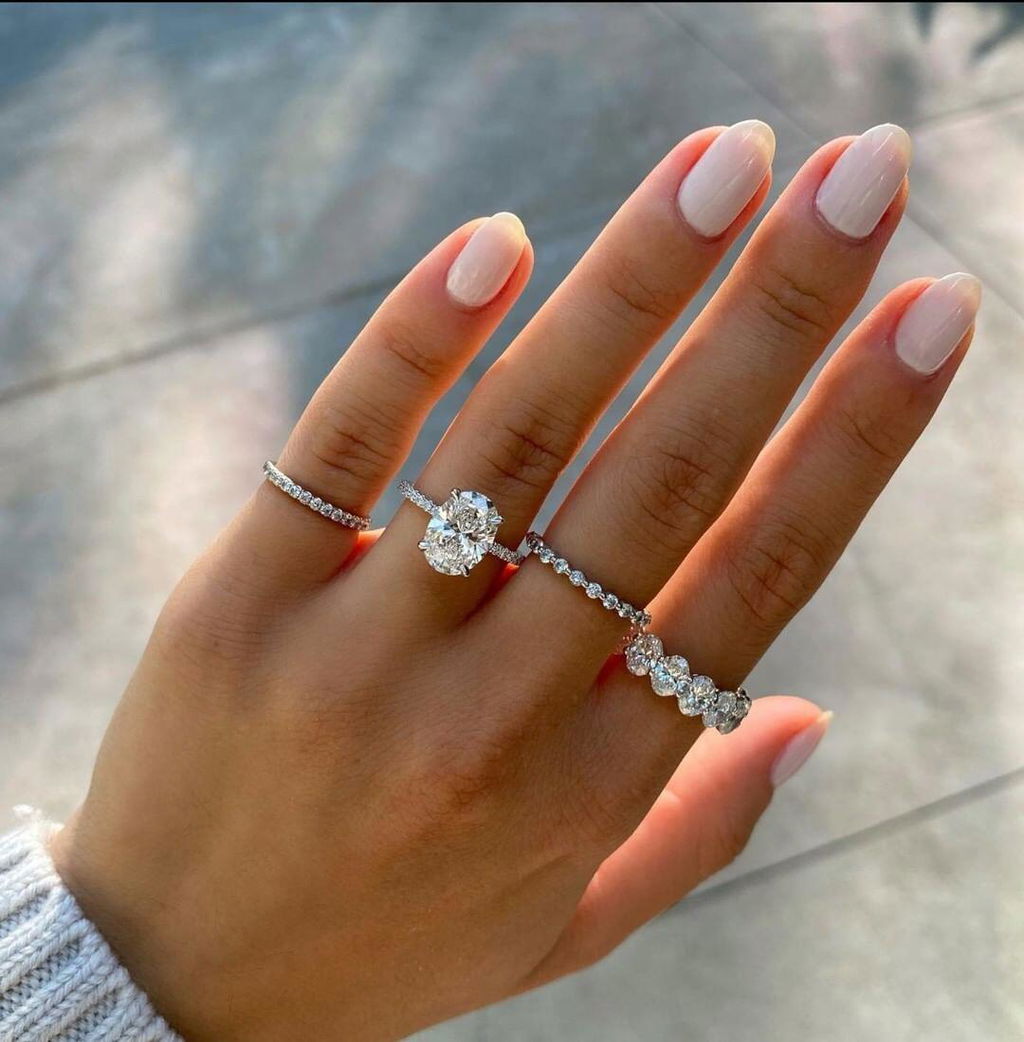
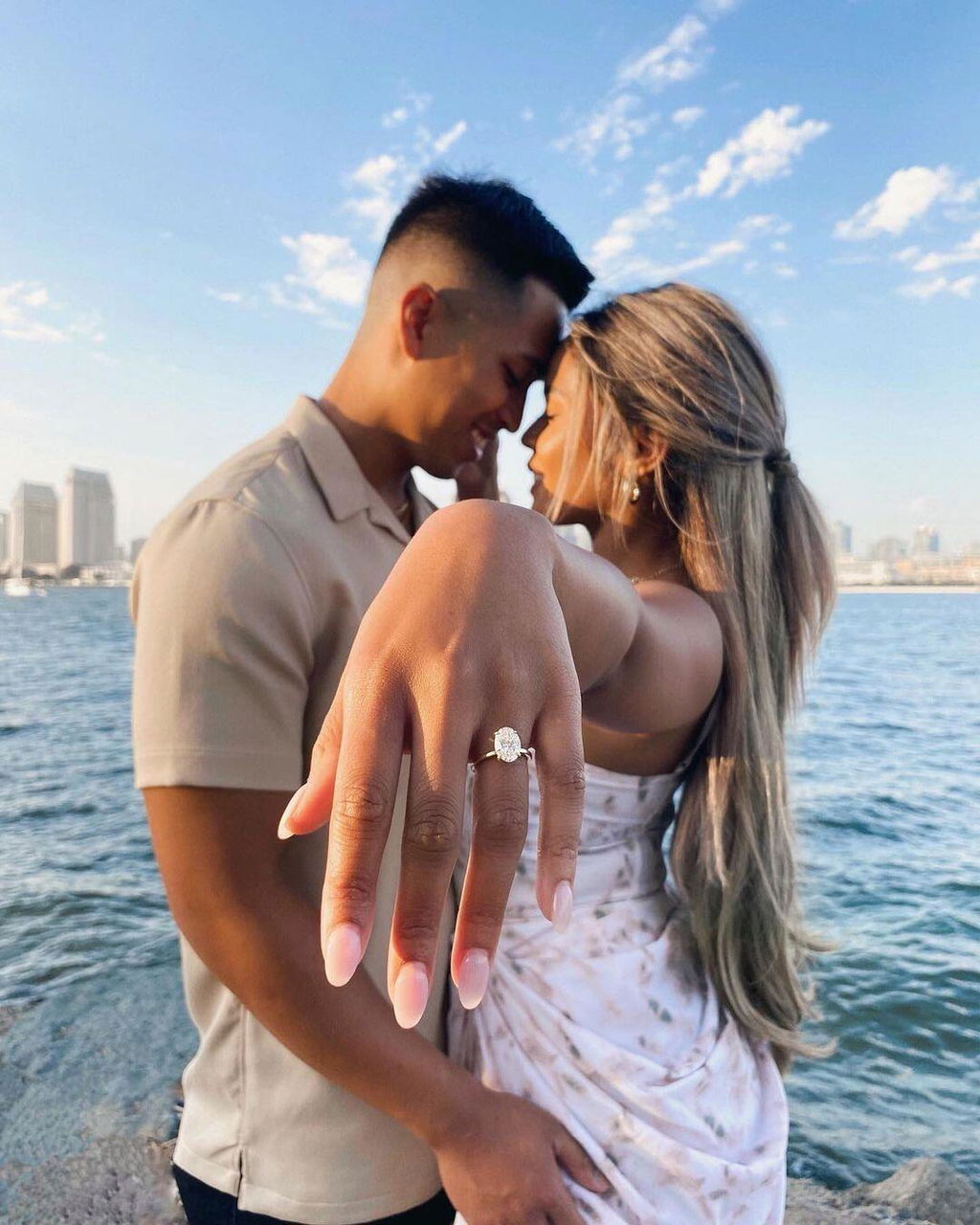
A relatively narrow band gives the center more visual contrast. The right width depends on ring size, metal, construction and intended wear: there is no universally safe minimum. Avoid choosing an extremely thin band just for a photograph. Ask the jeweler to explain its width, thickness and suitability for your routine.
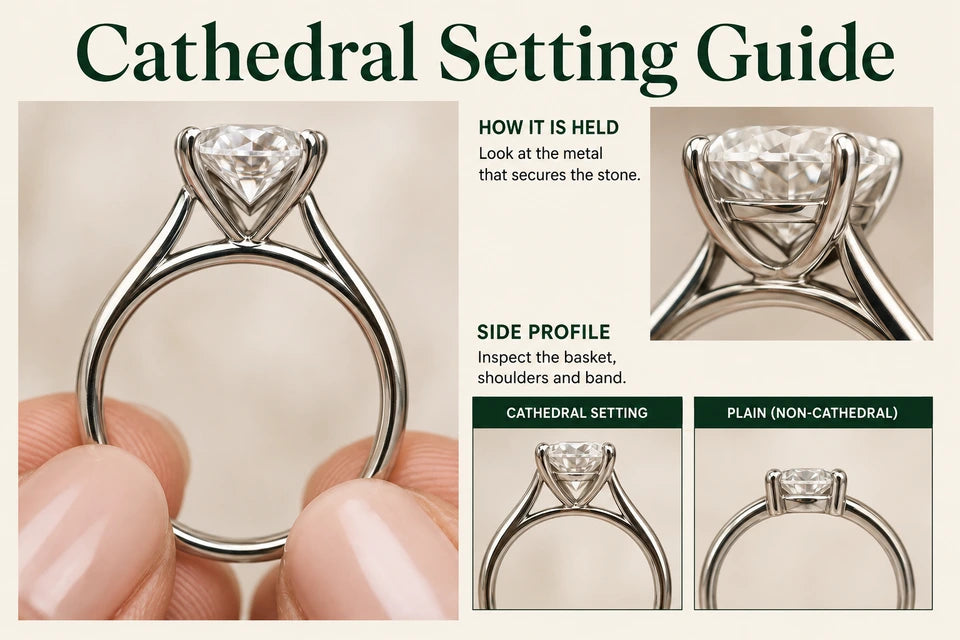
7. Tapered-shank setting
A band that narrows as it approaches the diamond directs attention toward the center while allowing more width elsewhere. View it from the side and underneath as well as from above. The transition should support the setting, and the ring still needs enough structure for ordinary wear.
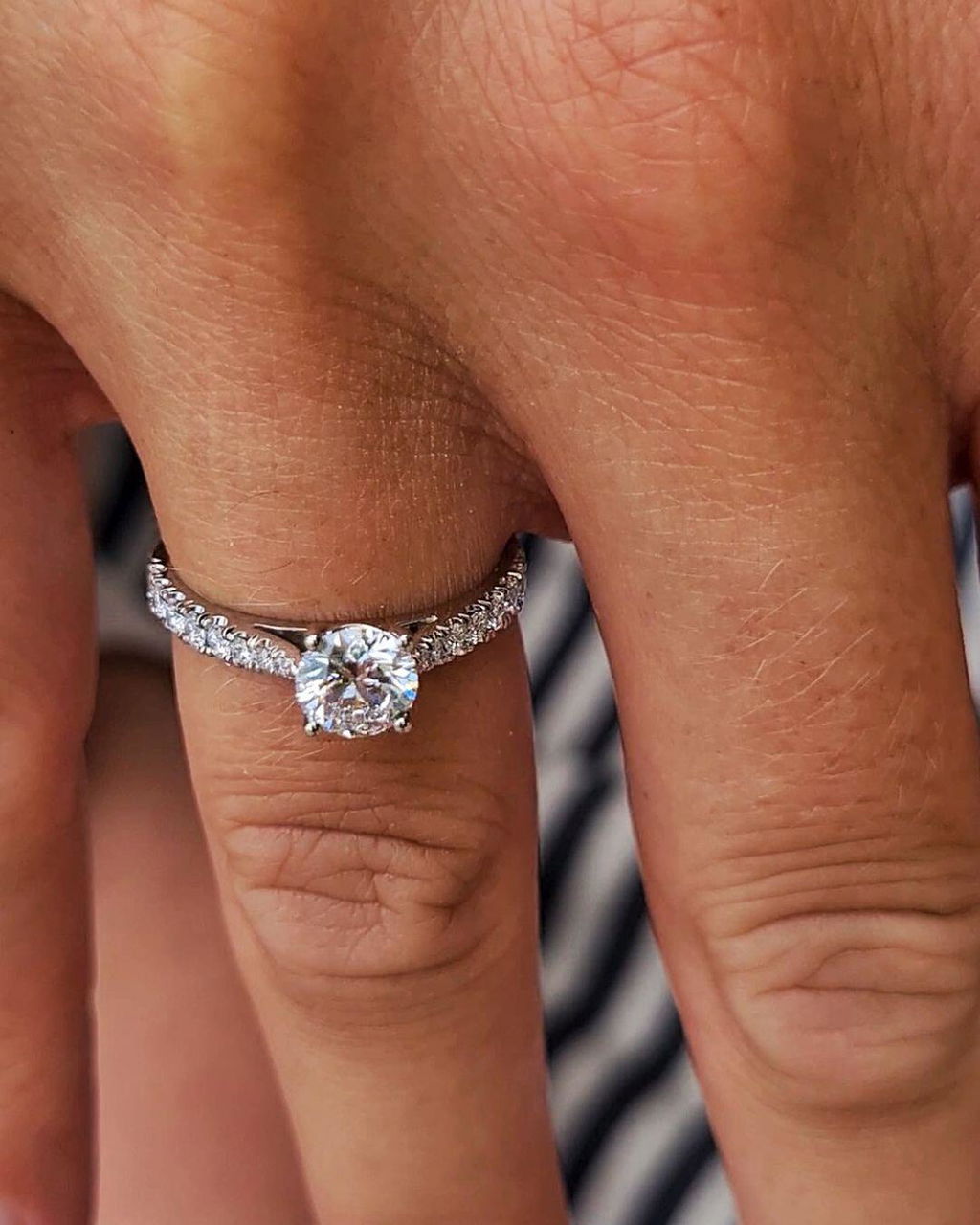
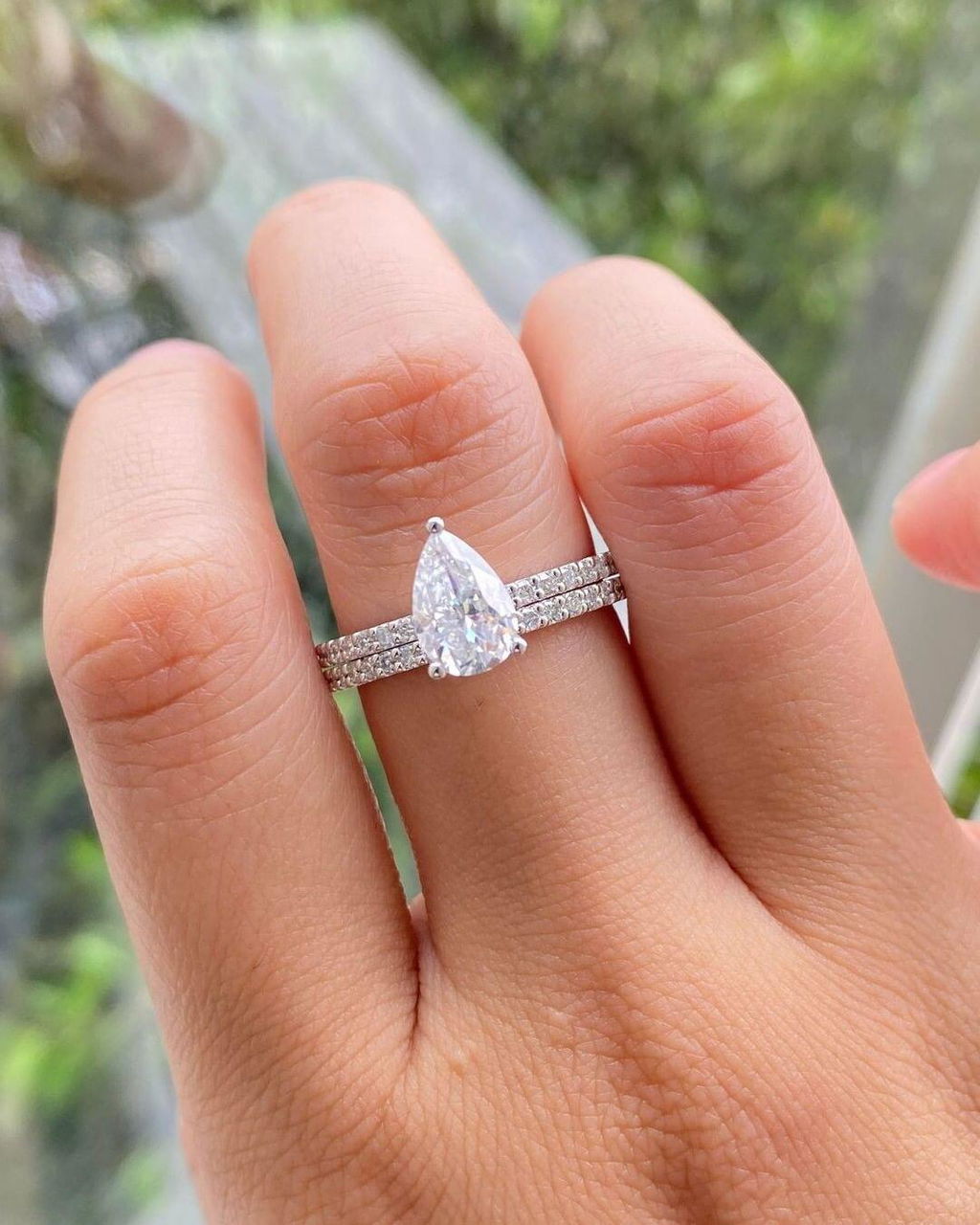
8. Pavé-band setting
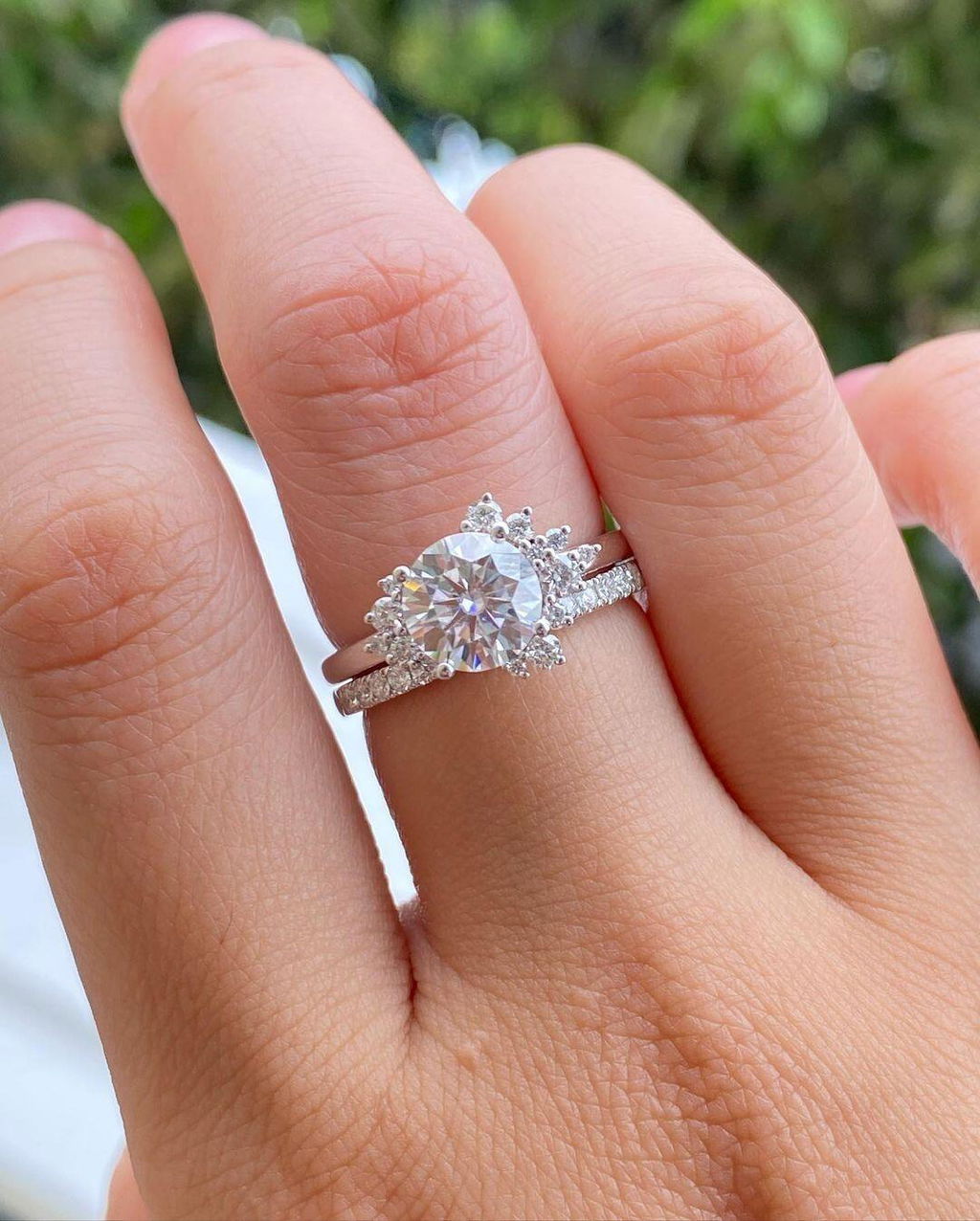
Small diamonds along the shoulders bring sparkle toward the center and can make the whole ring appear more substantial. They do not increase the center's dimensions. Consider the maintenance of the small stones and whether a matching wedding band will rub against their settings.
9–10. Prongs and bezels that shape the outline
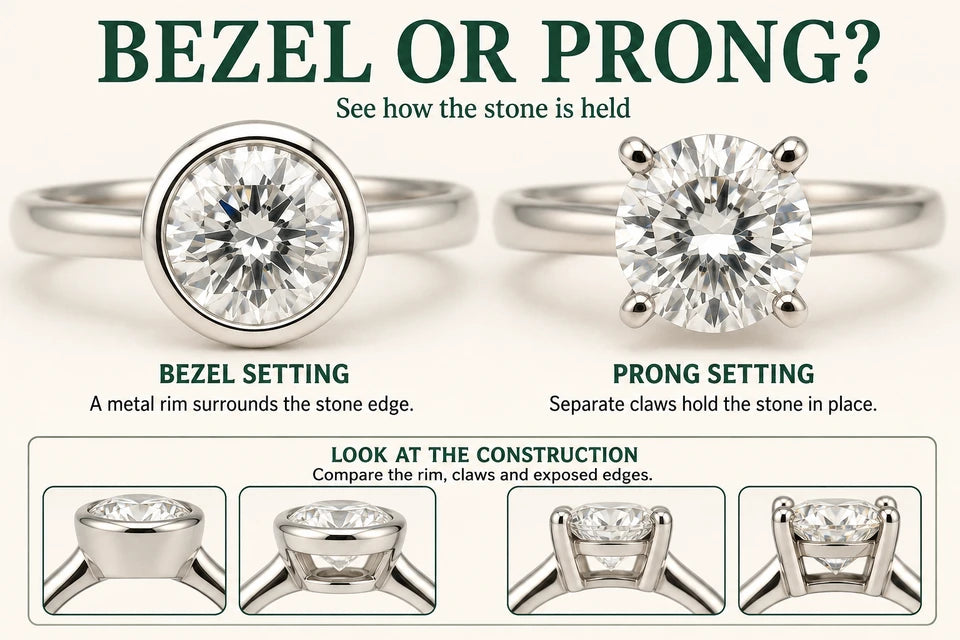
9. Solitaire with proportionate, unobtrusive prongs
Well-finished prongs can secure a diamond without visually dominating its outline. Compare the actual prong size and placement rather than assuming fewer prongs always make a diamond look bigger. Corners and pointed ends need appropriate protection, and security should come before a minimal appearance.
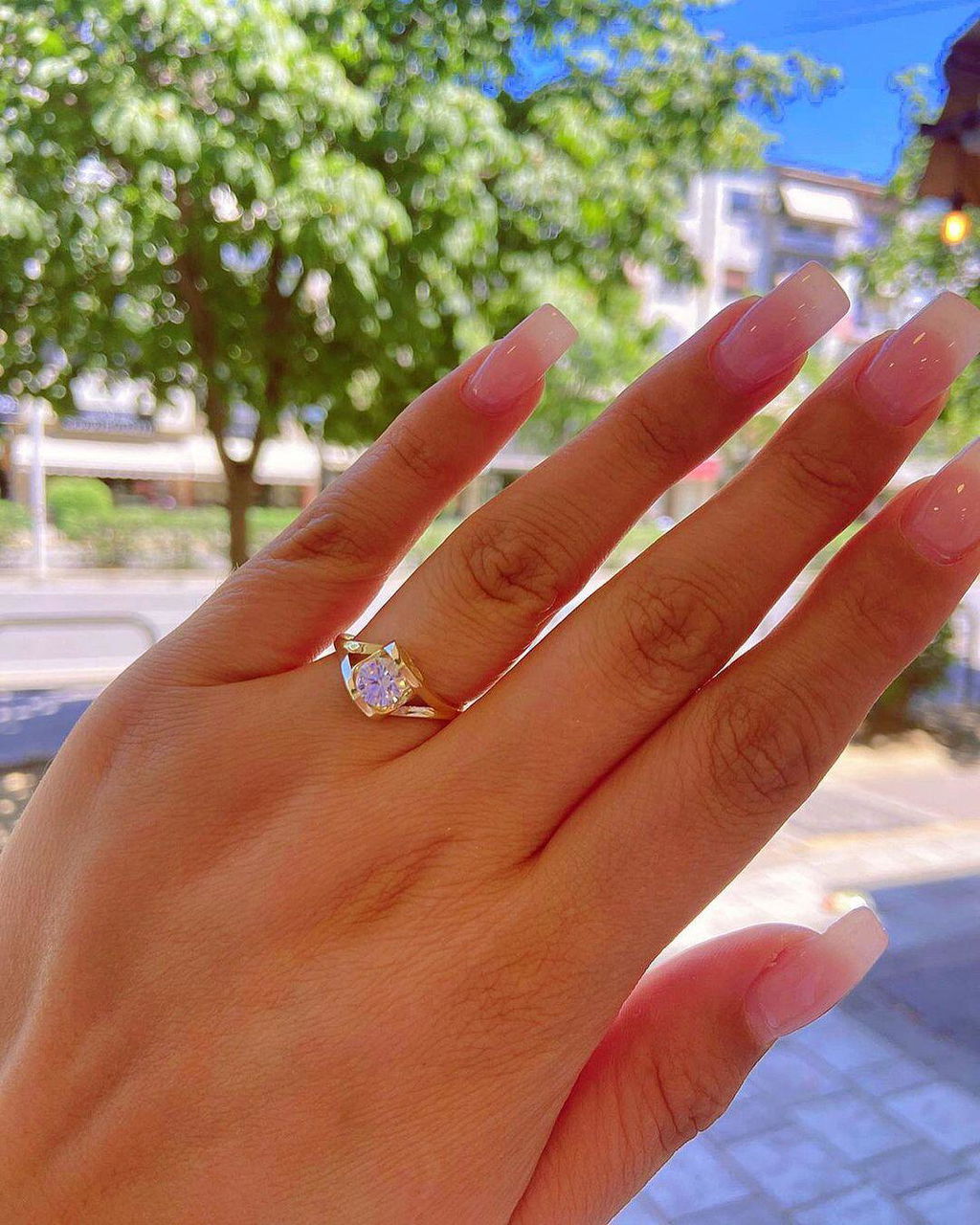
10. Fine bezel setting
A narrow metal rim adds a clear outline around the diamond and can create a slightly wider overall silhouette. The bezel also covers some of the stone's edge, so its thickness and finish matter. A heavy rim may draw attention to the metal instead. Compare a bezel setting with a prong-set version of the same shape before deciding.
Compare settings fairly
Use the same center diamond, or stones with closely matched dimensions, when comparing settings. Otherwise, a larger stone, different camera angle or brighter lighting can be mistaken for an effect of the setting.
| Check | What to compare |
|---|---|
| Center diamond | Its own carat weight, shape, length, width and depth. |
| Whole ring | Setting width, height and finger coverage; identify any accent-stone weight separately. |
| Photography | The same distance and hand position, plus a side view and ordinary indoor lighting. |
| Everyday fit | Comfort between the fingers, snagging, and how a wedding band sits beside it. |
Keep a shortlist of two or three designs and write down what you prefer about each: a larger outline, a more visible center, lower height or simpler care. Those are different benefits.
Choose the diamond and setting together
Carat is a measure of weight, not a direct measurement of visible width. Two diamonds of the same weight can have different dimensions because of shape and proportions. An elongated outline can offer a different kind of finger coverage from a round or square one; it does not automatically have more surface area.
Light performance matters too. A diamond that looks lively in ordinary lighting can draw attention without relying on extra size. Do not sacrifice attractive proportions solely to get a shallow stone with a larger outline. The Gemological Institute of America's diamond quality guide explains how cut and carat differ.
Use our guide to the four Cs to compare the diamond, then use the engagement ring settings guide to evaluate the structure holding it. A taller setting changes the profile; it does not increase the diamond's face-up dimensions.
Questions about making a diamond look bigger
Which setting makes a small diamond look biggest?
A halo or cluster can create a larger overall outline, while a slim solitaire band emphasizes the center through contrast. There is no single winner for every shape or hand. Decide whether you want the ring to cover more of the finger or want one central diamond to stand out.
Does a hidden halo make the center look larger from above?
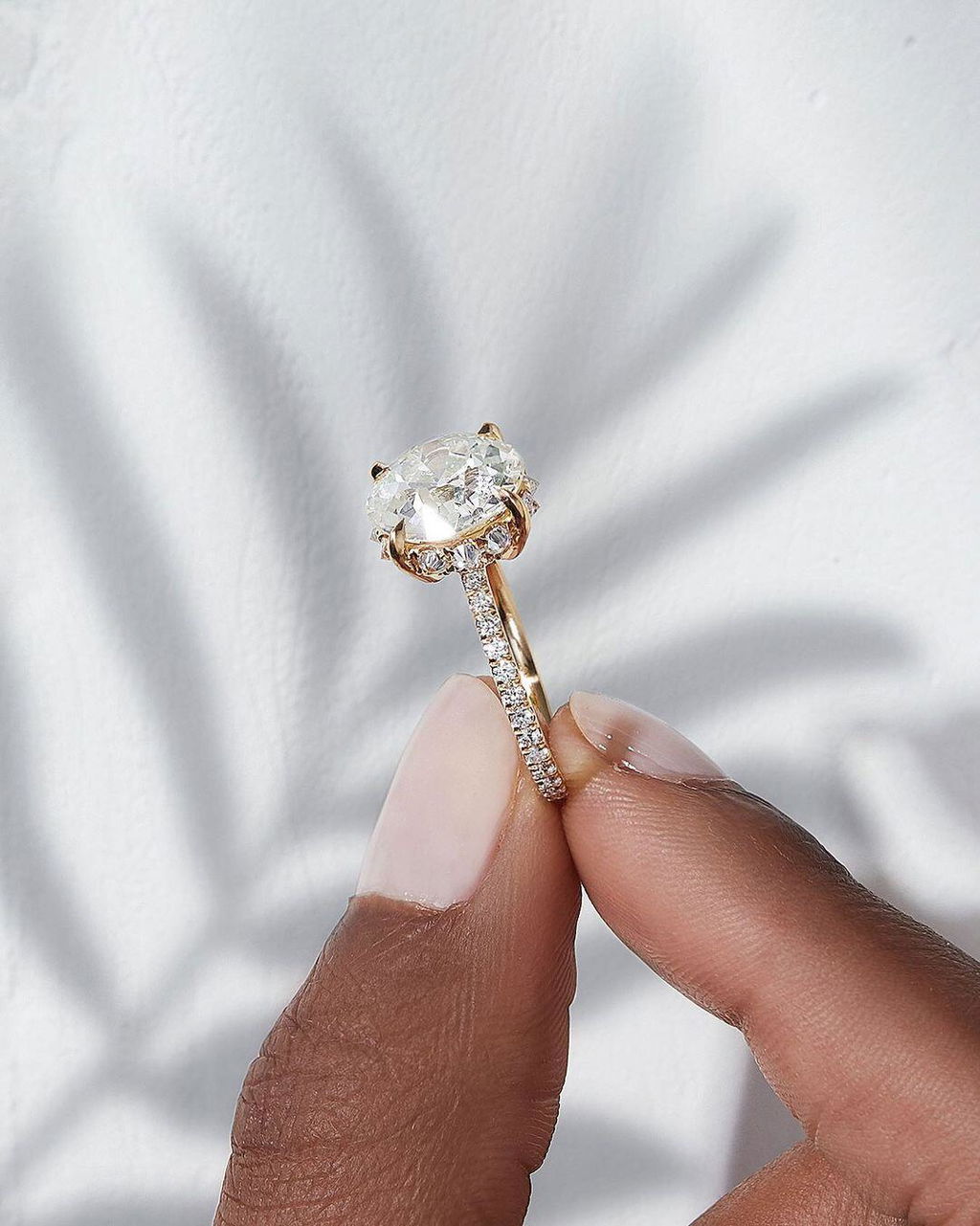
A hidden halo sits below the center and is often most visible from the side. It can add detail and sparkle to the profile, but it does not necessarily extend the outline seen from directly above. Check the finished ring from the angle that matters to you.
Does a lab-grown diamond need a different setting?
The design should suit the individual diamond's measurements and shape, regardless of whether it is laboratory-grown or natural. Growth origin does not replace checking the stone's proportions, the strength of the setting or the ring's fit. Confirm the diamond's identity and specifications in the product details and any accompanying report.
Find the right proportions for your ring
Choose the effect you actually want: added width from surrounding stones, a clearer center outline, or contrast from the band. Then check that the design is comfortable and practical to maintain.
Browse lab-grown diamond engagement rings, noting the center stone's dimensions and the setting details for each. If you need help comparing two designs, ask Diamond Studio about their width, height, construction and fit before ordering.
Compare the specifications of the individual diamond and finished setting. Illustrations show concepts; they do not establish a product’s measurements or quality.